Installing RFExplorer Python library
RF Explorer Python library can be easily installed with PIP.
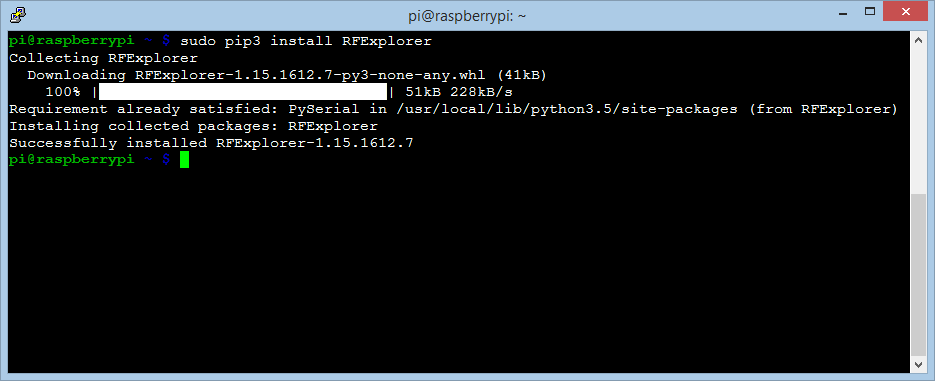
Open a terminal
sudo pip install RFExplorer
Use either pip or pip3 if you are using a different pip install for each Python version.
Open a Command Prompt as Administrator
pip install RFExplorer
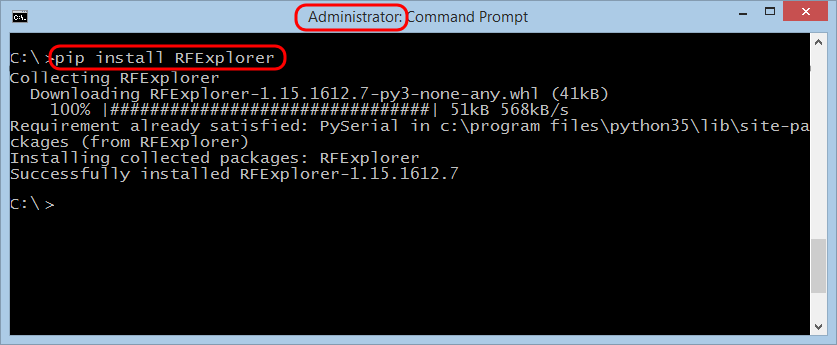
- RFExplorer libraries use pySerial, please make sure you have it installed before trying to install RFExplorer
- Python 3.5 or later is required, please make sure to have and run the right version of Python. If you use an older version of Python, you can still install Python 3.5 and use multiple Python environments in the same computer.
To download examples, please visit GITHUB repository and download files in any local folder of your choice.
- Examples USB : These are examples compatible with any RF Explorer Handheld device, including Spectrum Analyzer and Signal Generator, and RF Explorer RackPro.
- Examples IoT : These are examples only suitable for RF Explorer 3G+ IoT platform, currently supported on Raspberry Pi only. More details at IoT page.