Note
Clavis is under active development.
A desktop shell for niri, built with Quickshell, QML, Qt 6 and native C++ modules.
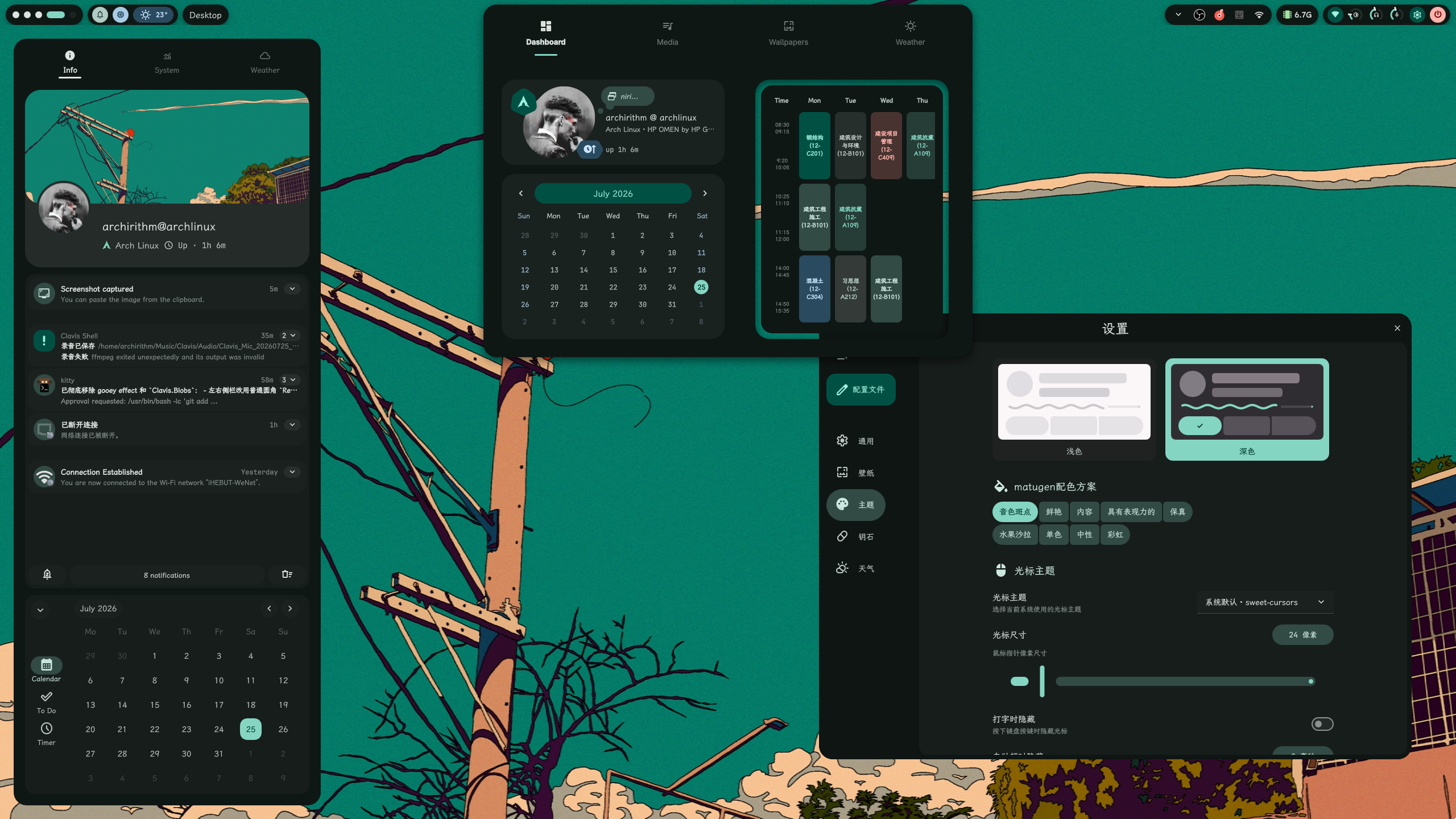
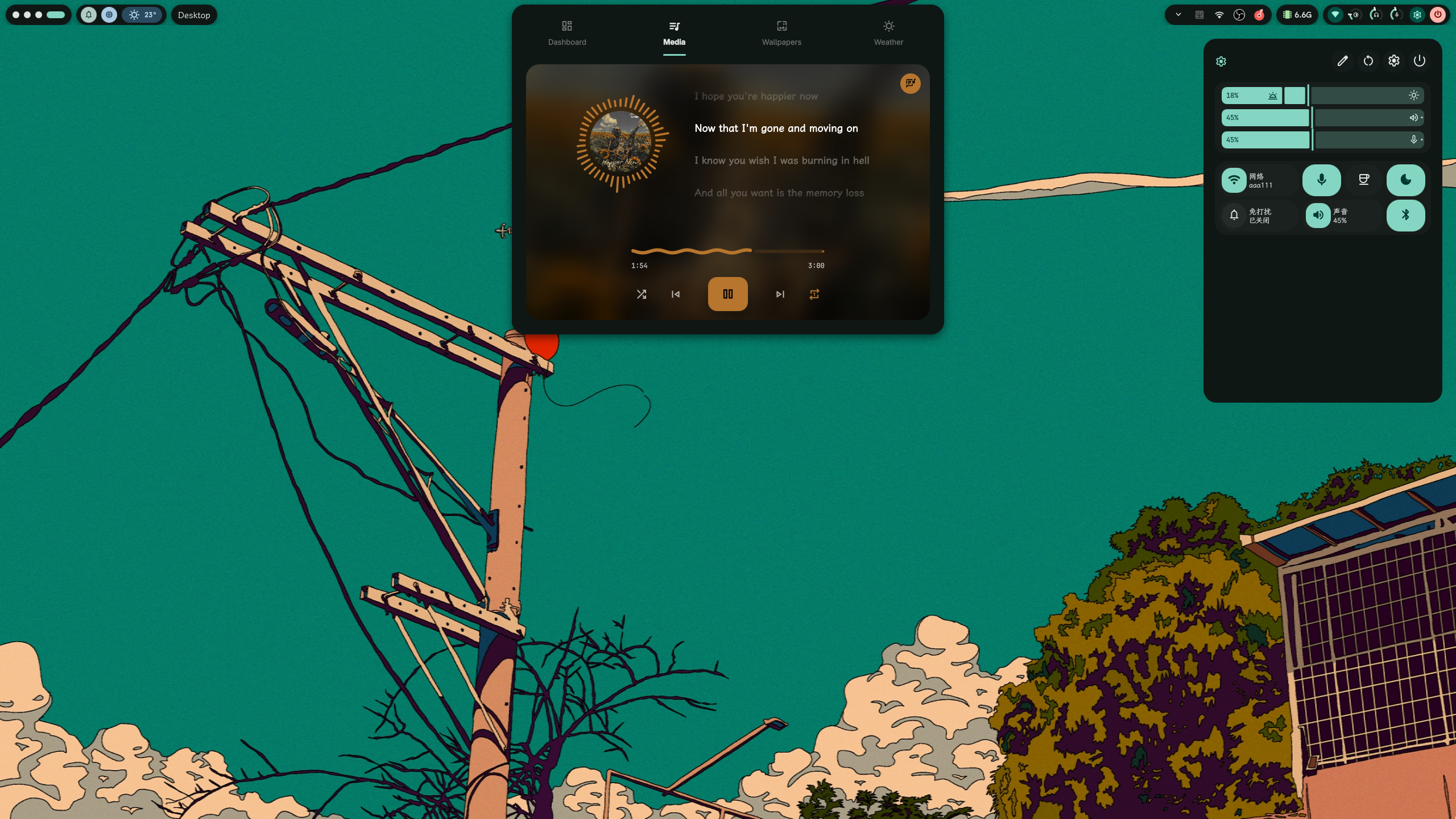
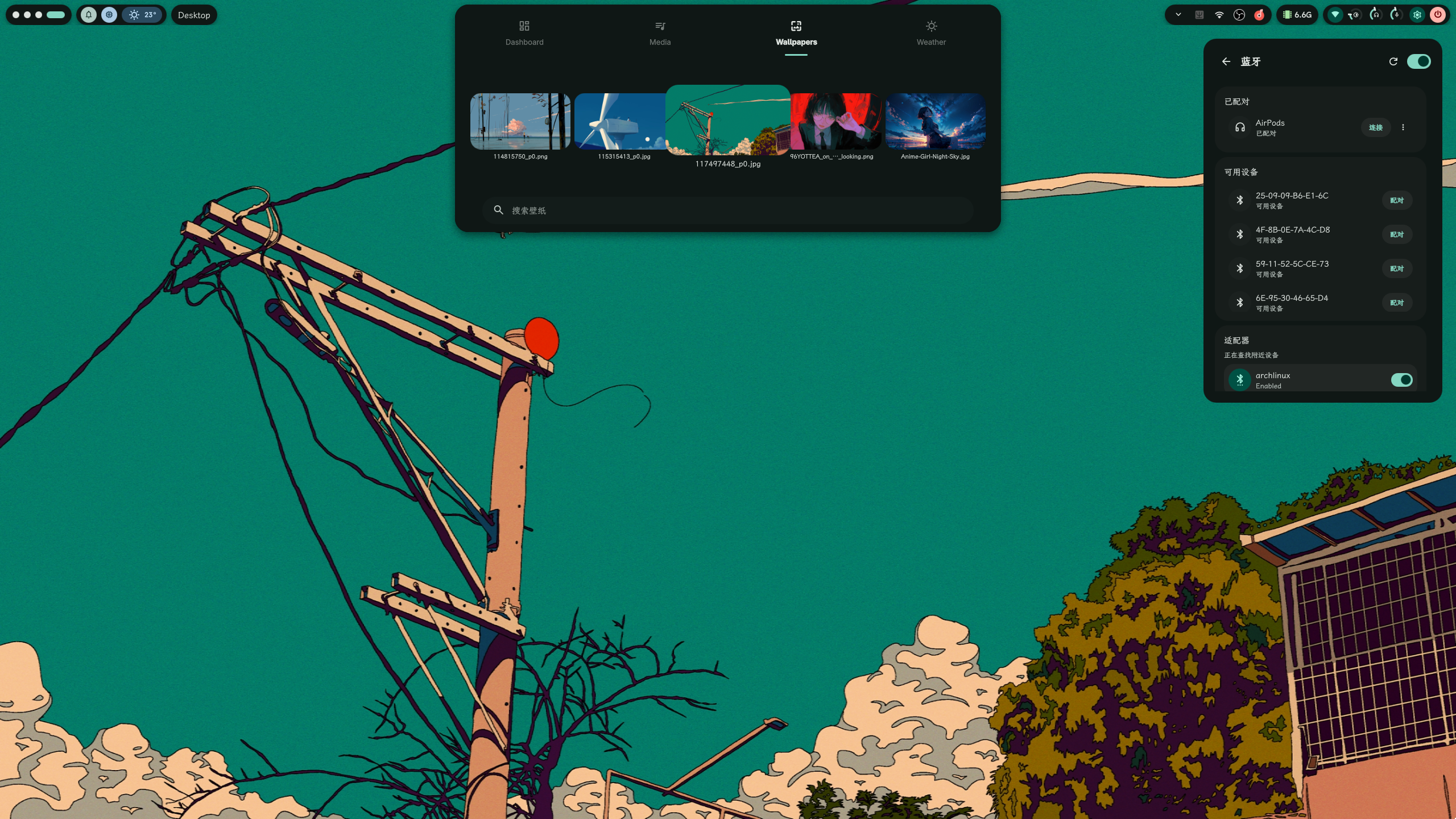
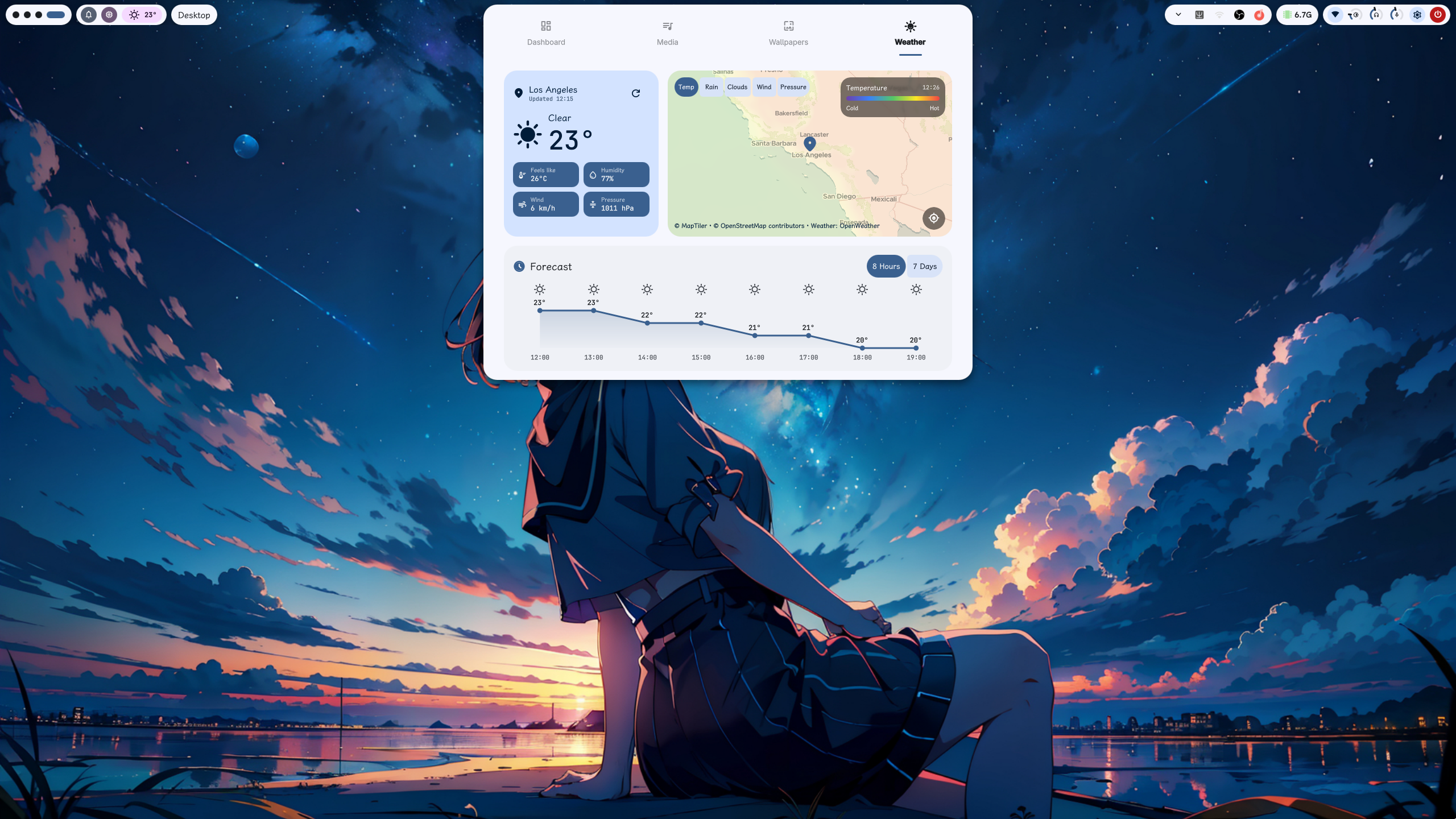
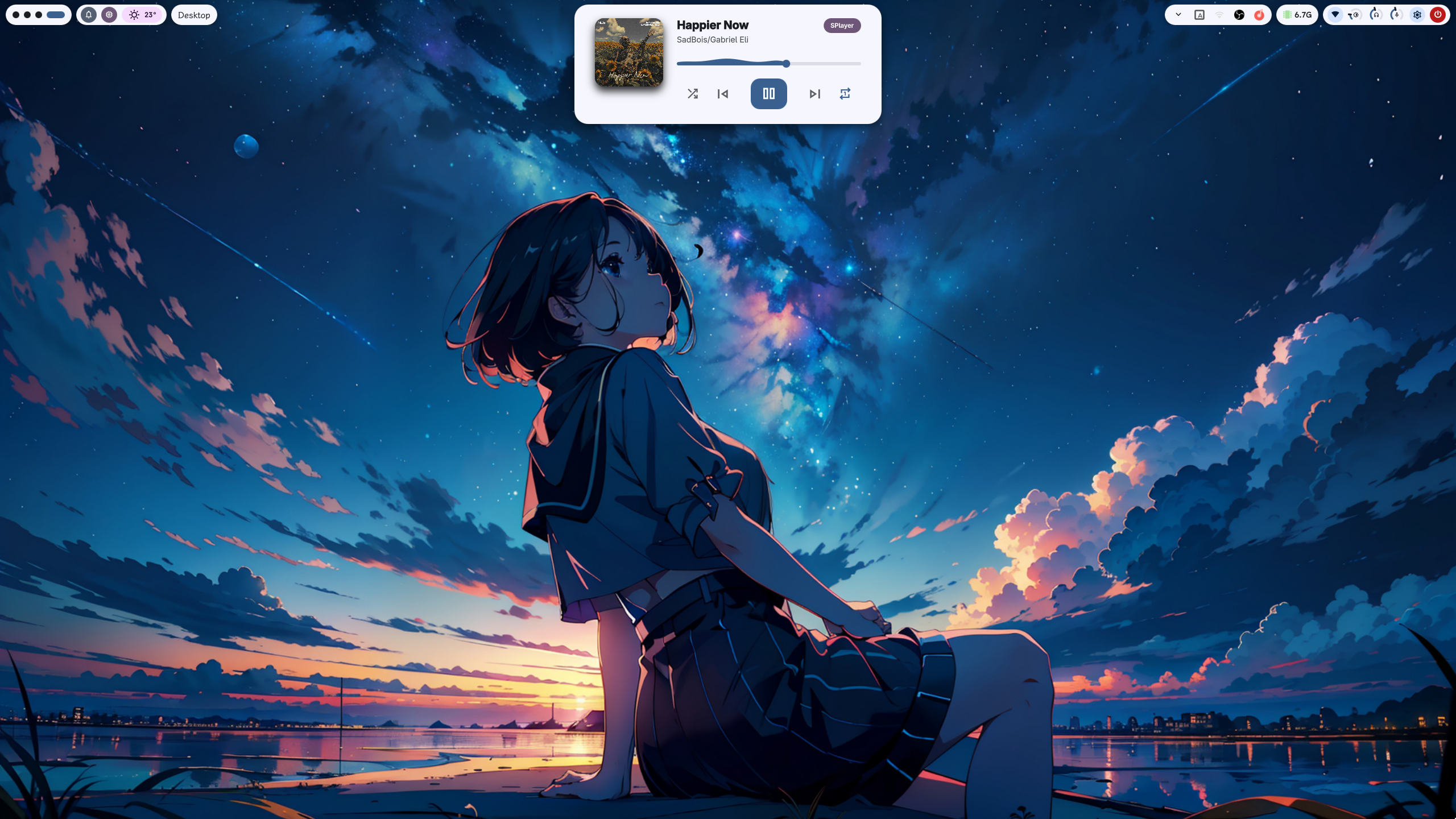
- Keystone and edge bars
- Quick settings and sidebars
- Spotlight-style app, wallpaper, clipboard and web search
- Wallpaper transitions and niri-aware parallax
- Weather, weather maps and animated conditions
- MPRIS media controls and synchronized lyrics
- Screen and audio recording controls
- Dynamic Material theming with Matugen
- Settings center for shell, cursor, wallpaper, default apps and integrations
- Native QML modules for niri, media, weather, Cava, keyboard state and Material shapes
Clavis is split into three repositories:
| Project | Role |
|---|---|
| Clavis Shell | Quickshell UI, reactive services and native QML modules |
| key-cli | key command, shell IPC/lifecycle, recording and clipboard integration |
| keytop | Standalone system monitor, TUI and machine-readable metrics |
Install key-cli and keytop for the full Clavis experience.
Core development dependencies include:
- Quickshell
- Qt 6
- CMake
- Ninja
- QtKeychain
- PipeWire
- libcava
Some features also use external tools such as Matugen, awww, cliphist, wl-clipboard, gpu-screen-recorder, FFmpeg and wlogout.
Configure and build the native QML modules:
cmake -S . -B build \
  -G Ninja \
  -DCMAKE_BUILD_TYPE=Debug

cmake --build build
Run the source shell with the build-tree QML modules:
QML_IMPORT_PATH="$PWD/build/qml${QML_IMPORT_PATH:+:$QML_IMPORT_PATH}" \
  key shell
QML changes can be reloaded directly. Rebuild after changing native C++ modules.
cmake -S . -B build \
  -G Ninja \
  -DCMAKE_BUILD_TYPE=Release \
  -DCMAKE_INSTALL_PREFIX=/

cmake --build build
sudo cmake --install build
Start Clavis with:
key shellMost options are available from the Clavis settings center.
User configuration and state follow XDG paths, with the main shell configuration stored under:
~/.config/clavis/
Clavis-managed niri fragments are written under:
~/.config/niri/clavis/
Clavis uses Matugen to generate Material color schemes from the current wallpaper or a source color.
The settings center can generate themes for supported applications including btop, Cava, Kitty, Fcitx5, keytop, niri and Yazi.
git diff --check
cmake --build build
ctest --test-dir build --output-on-failure
qmllint -I . -I build/qmlClavis takes inspiration from and integrates ideas or components from projects including:
Third-party license notices are kept in licenses/.
See LICENSE.